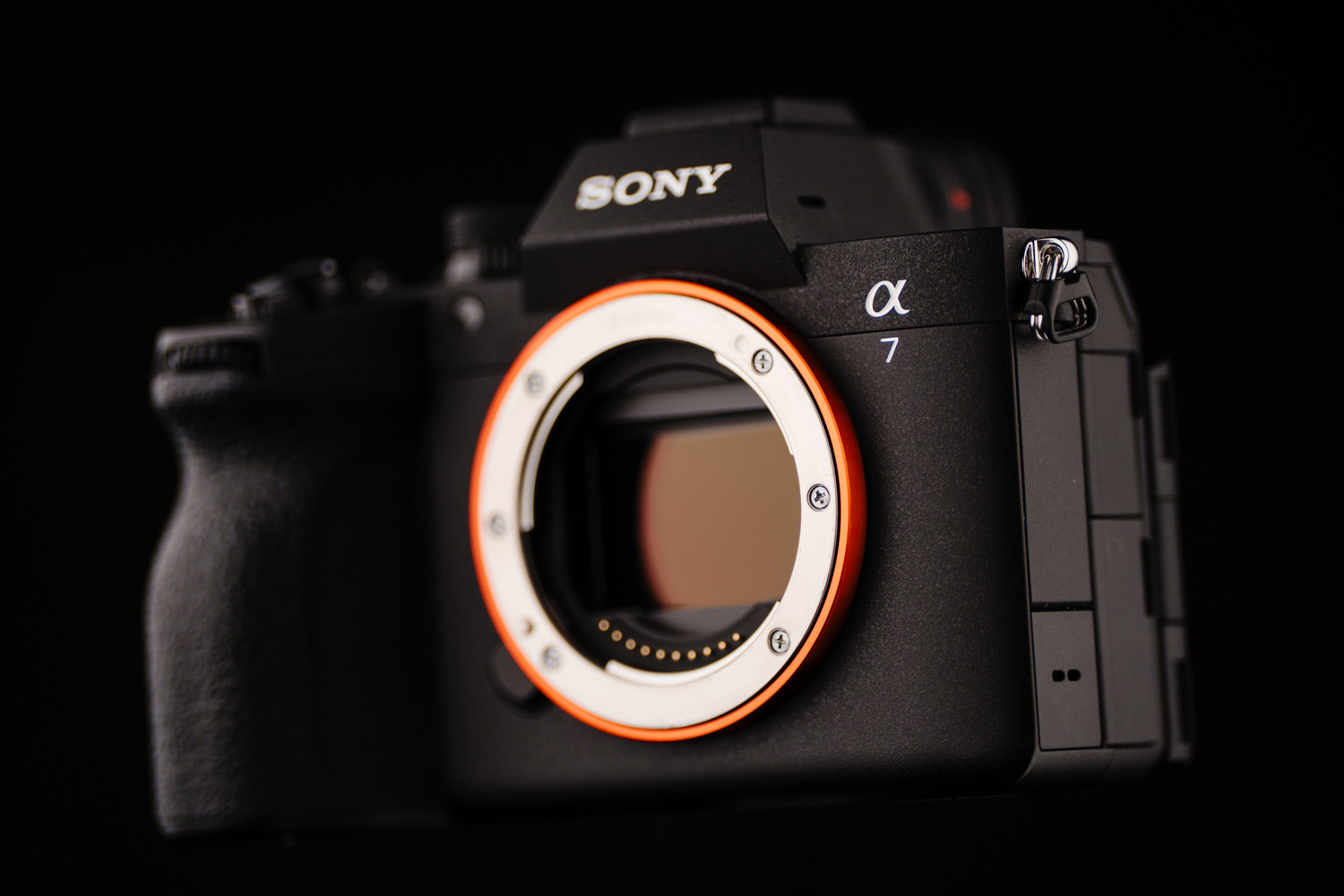
The Sony a7 series is designed for the user who wants to do it all. Thanks to a brand-new 33 MP partially stacked sensor boasting 16 stops of dynamic range, the new Sony a7 V is capable of even more than its predecessors.
I have used the Sony a7 V for about a week and have already captured around 6,000 images. After taking it on a family trip to Aruba, as well as for a couple of mini portrait sessions, I want to share some real-world insights, show what it can do, and help determine if this is the right camera for you.
The Partially Stacked Sensor
My initial test focused on the silent shutter because the a7 V features a newly designed partially stacked sensor. This is significant because older, traditional sensors often suffer from slow readout speeds. When photographing moving subjects with a silent shutter on those older models, you often get a “jello effect” where straight lines appear bent.
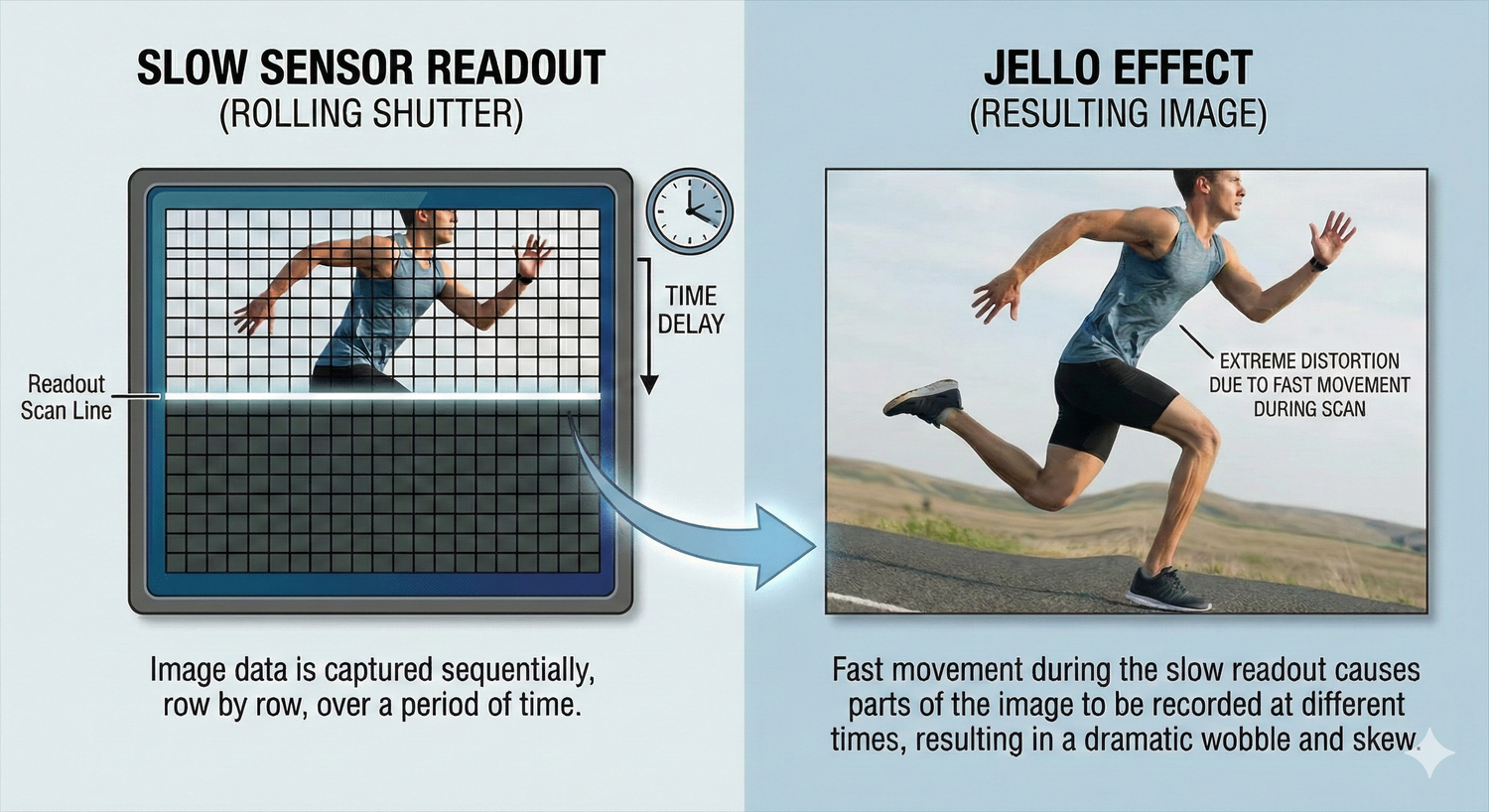
We have seen solutions to this readout issue before. First came the stacked sensor design in the Sony a1 and the original Sony a9 series. Then came the global shutter in the Sony a9 III, which provides full sensor readouts instantly. The downside is that these sensor designs are significantly more expensive. The partially stacked design of the a7 V attempts to bridge that gap. It offers much faster readout speeds compared to traditional sensors, but is not quite as fast as the higher-priced stacked sensors or global shutters.
Putting Readout Speed to the Test
To test the speed limitations, I took images of my kids to check for distortion. The results were impressive. Even in a photo of my son swinging a rake, the rake looked straight with no jello distortion, despite some motion blur from my 1/250th shutter speed.

Next, I had my daughter quickly swing a plastic sword. In this test, you can clearly begin to see the jello-type distortion appear, though even here it’s not very significant.
During my trip to Aruba, I shot exclusively with the silent shutter. It is worth noting that because the camera is so new, there was no raw support in Lightroom, so all images referenced here are JPEGs taken with one of the newer Sony film simulations called “film2.” But throughout my use, I captured many fast-paced images to put the readout speed to the test. While the sword test showed minor distortion, the readout speed is plenty fast enough for general everyday moments.

Even images of my nephew running full speed into the ocean looked fine. This camera is perfectly capable in electronic shutter mode for most moving subjects, aside from extremely high-speed objects like a swinging golf club or baseball bat.

Burst Rate and File Quality
This new sensor design brings the ability to capture images at 30 frames per second. Many will compare this to the Canon EOS R6 Mark III and its 40 frames per second. However, the Canon is limited to 12-bit raw files at that speed. The Sony a7 V can shoot its 30 fps blackout-free with 14-bit raw files. For me personally, I’d prefer to have the 14-bit raw files over the extra frames per second, though your specific use case may vary.

Pre-Capture and Boost Mode
The new sensor also provides access to pre-capture and boost mode. When pre-capture is activated, the camera constantly buffers images. As soon as you press the shutter, it saves the images it captured before you pressed the button. Sony implemented this well by allowing you to choose the duration, ranging from 0.03 seconds to a full second. I find a full second is too long and results in too many images, so I prefer setting it between 0.2 and 0.3 seconds.

Similarly, the boost button is useful because I rarely need a constant 30 frames per second. This feature lets you keep the camera set to a reasonable frame rate, such as 10 fps. When you encounter a moment requiring more speed, you press the boost button to instantly jump to the max frame rate.

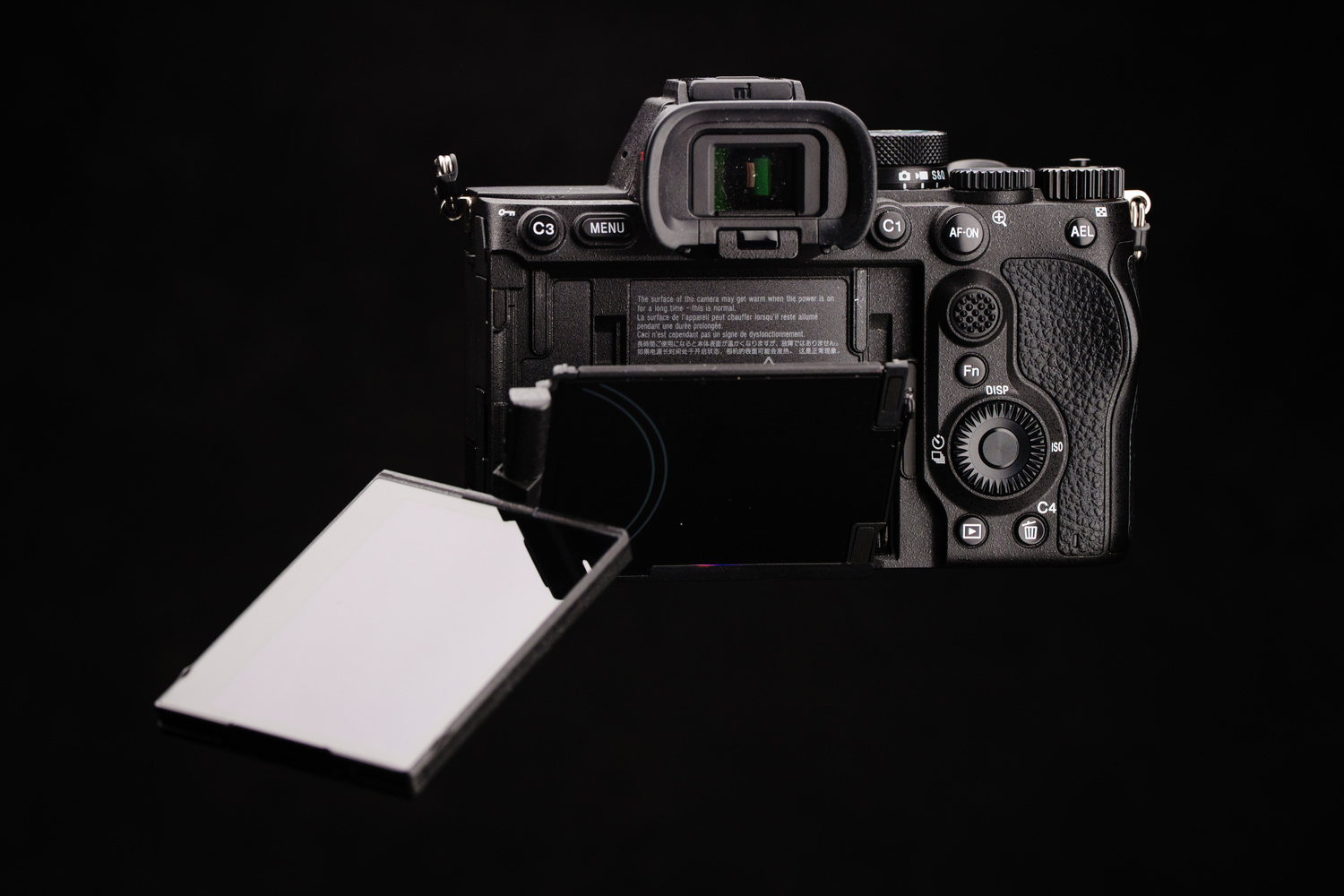
My only complaint is the body design. I would have preferred the latest design with the C5 button on the front like the a9 III. Instead, we get the body design of the Sony a7R V. It is still a great design and features what I believe is the best flipping and tilting screen on the market.
Interface and Customization Updates
I have long wanted the ability to use a custom button in order to cycle through options with a button press rather than being forced to have that custom button simply open a menu. Sony has moved in this direction with the “shutter type switch.”
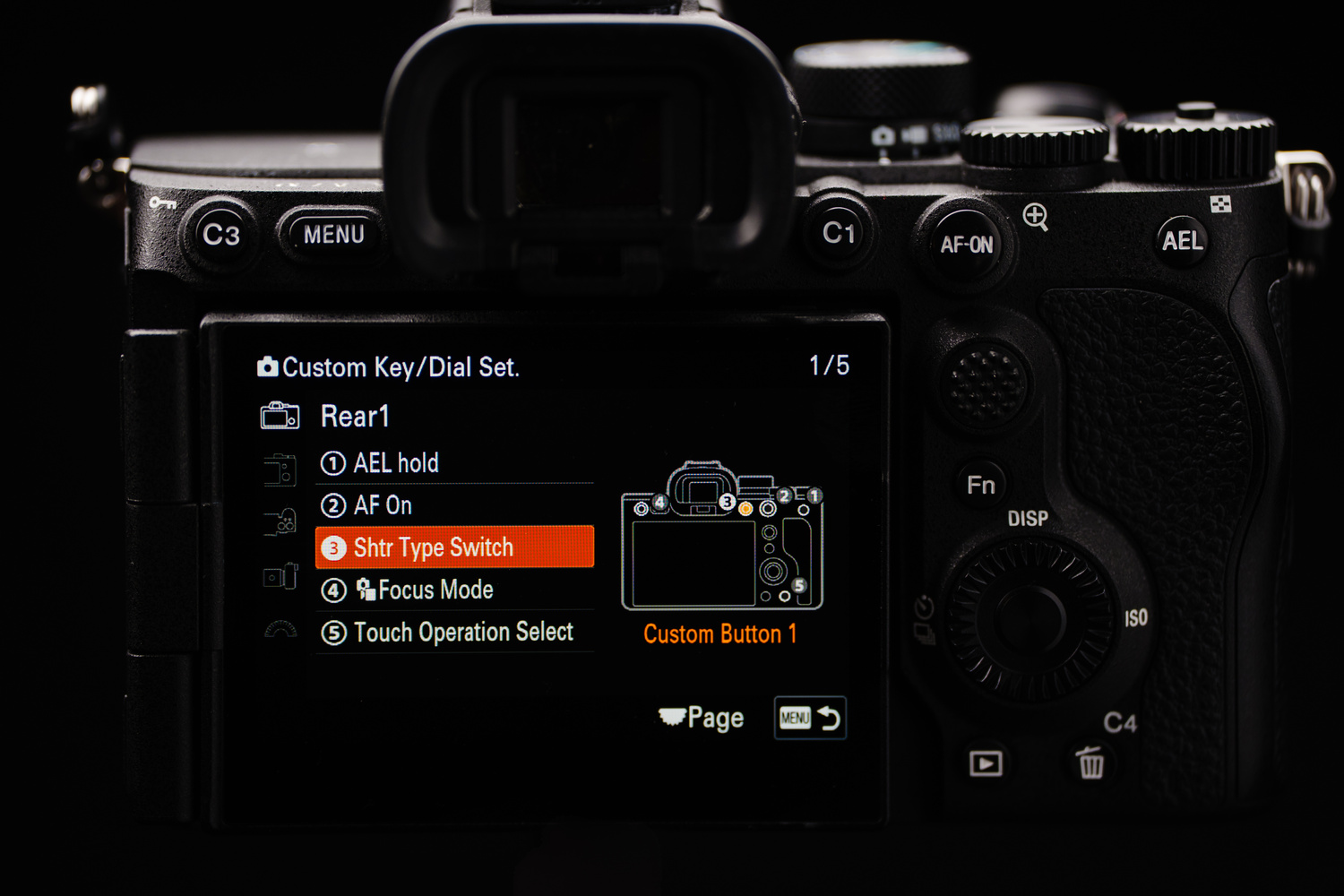
Previously, pressing a custom button for shutter type would bring up a menu to select between electronic and mechanical. Now, you can program a button to cycle directly between the two options without a menu pop-up. They still retained the option for the pop-up menu if you prefer that method. So while I am excited to have this addition, I wish Sony had chosen a better implementation so that this sort of functionality was extended to other custom button options, with the added ability to remove options from the cycle. This would allow you to do something like cycle between white balance options, but limit it to only shade and daylight if those happened to be the only two you wanted.
Processor Efficiency and Battery Performance
The a7 V features an update to the processing unit. Instead of multiple chips (like past cameras that had dual processing units and a dedicated AI unit), the a7 V uses one new Bionz XR2 processor with a built-in AI unit. This setup is more efficient, leading to more accurate autofocus, better color accuracy, and improved auto white balance stability. It also improves battery life, which is now rated for 630 images using the EVF and 750 images using the rear screen. In real-world usage, I never dropped below 20 percent on any given day. Even on a heavy-use day involving family documentary images, a maternity session, and family portraits, a single charge lasted from wake-up to bedtime.

The Screen Blackout Flaw
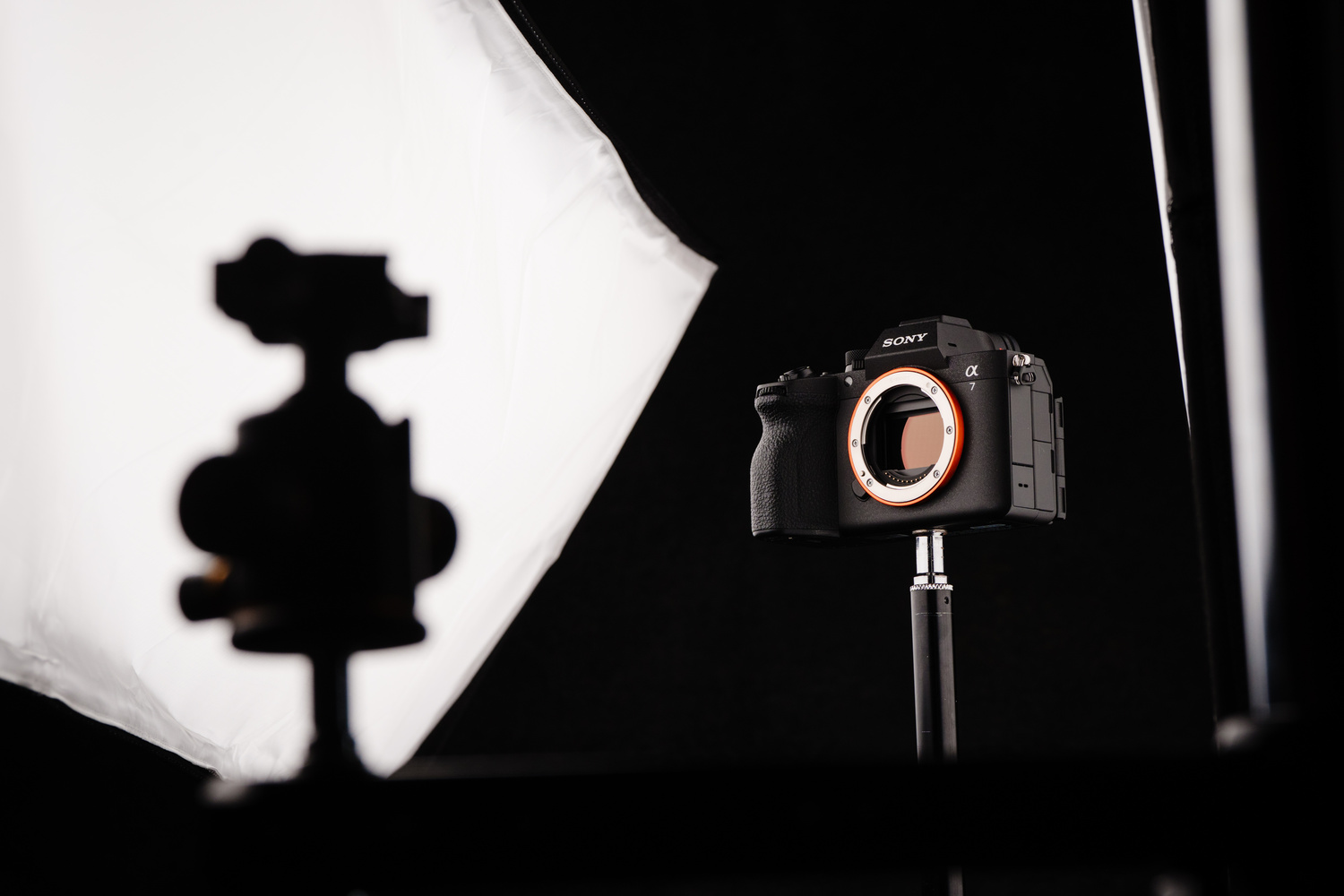
Sony added a screen blackout feature intended to improve usability and battery life. This allows the screen to turn off completely while the camera stays on, offering instant wake-up speeds while conserving power. Unfortunately, there is a design flaw. The screen turns off after a period of inactivity, but the camera considers the EVF sensor being triggered as “activity.” If you set the camera on a table, it works great. However, if you are wearing the camera on a strap, your body triggers the EVF sensor, preventing the screen from ever turning off. For this to work in a real working environment, we need an option to allow screen-off mode even if the EVF is activated.
Video Capabilities
While I primarily shoot stills, the a7 V is very capable for video. It offers 7K oversampled 4K60 with full pixel readout. This means the camera does not crop when shooting 4K60. It can also shoot 4K120 in a Super 35 crop or 240p in full HD. I have a few clips in the YouTube video that is part of this article, but again, I don’t do a ton of video.
Card Slots and Connectivity
Despite using the a7R V body style, the a7 V does not have dual CFexpress/SD combo slots. Instead, it has one combo slot and a second slot limited to SD cards only. The slots appear to be the same size physically, which makes the omission of a second combo slot puzzling. The only reason I can think of is cost savings, but I can’t imagine the cost of the combo slot being very significant in relation to the entire camera.
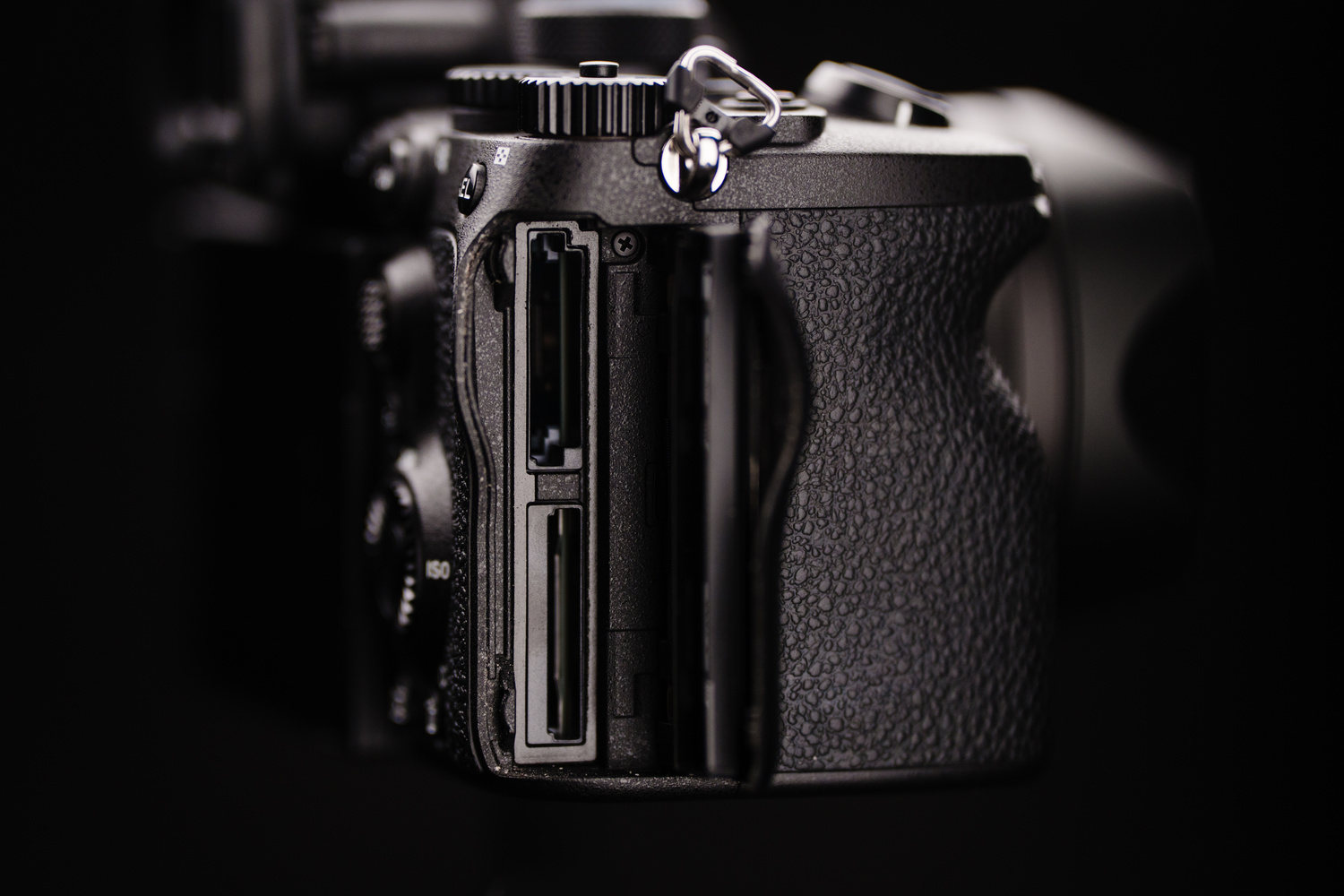
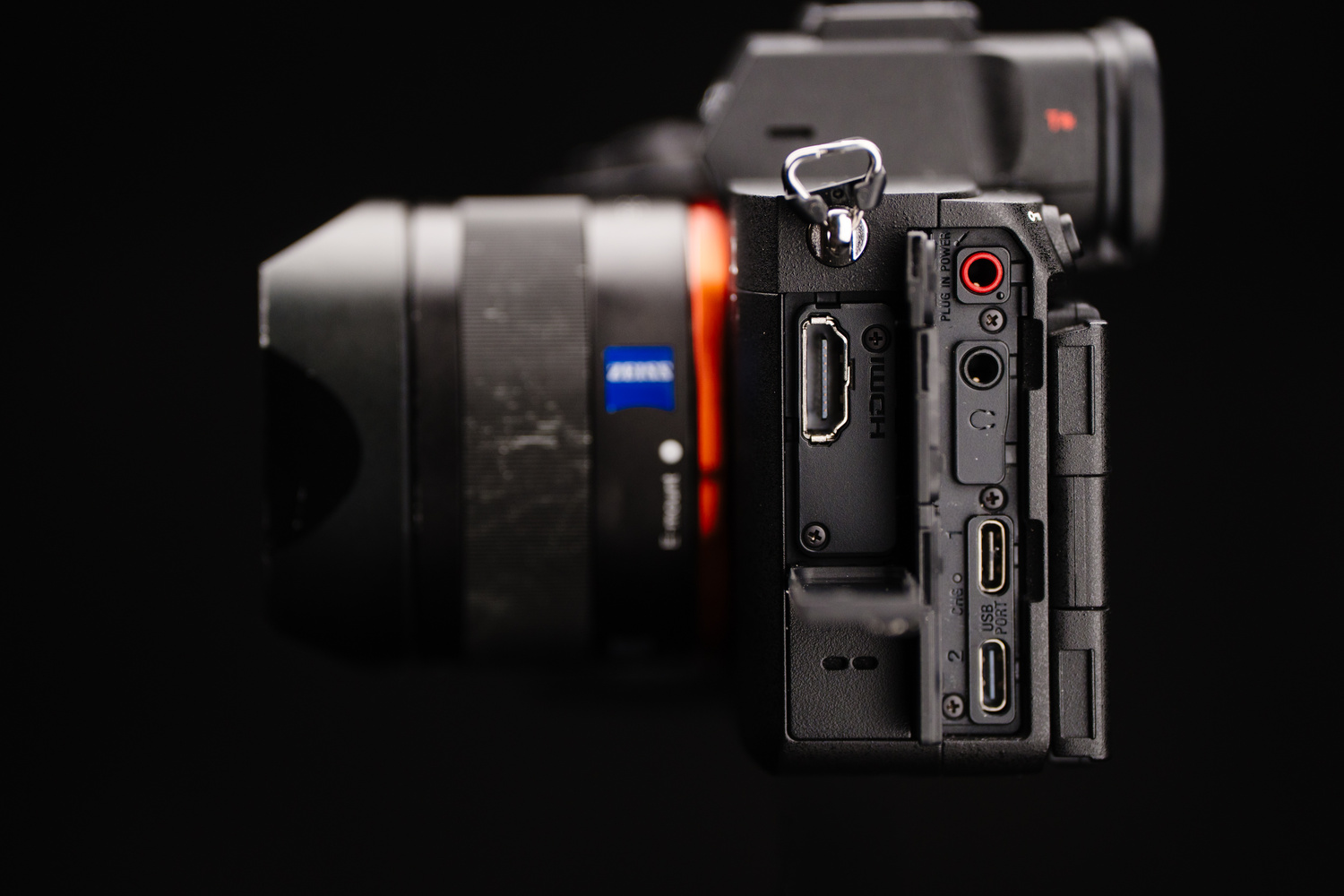
On the positive side, the a7 V gains a second USB-C port. One port is rated for USB 3.2 Gen 2 and the other is USB 2.0. This is excellent for tethered shooting, as you no longer need dummy batteries to keep the camera charged while tethering. I also found that both ports charged the camera at the same speed. And while this is a nice-to-have for probably a good amount of people, I’d happily trade this extra USB-C port for the missing second combo card slot.
Who Is the Sony a7 V For?
In my opinion, the Sony a7 V is now the ideal wedding camera (and really for anything outside of crazy fast action and higher-resolution needs). It is essentially a higher-resolution Sony a9 or Sony a9 II with a higher frame rate, better autofocus, better video, and a better body design, all for a lower price.

Compared to the Sony a1 and a9 III, the a7 V is the more economical choice unless you absolutely need the extreme readout speeds of stacked sensors, higher resolution, or the 120 fps of the a9 III.
If I did not rely on the incredible flash sync speeds of the a9 III, the Sony a7 V would be my everyday workhorse. Even so, I am considering getting one for everything other than flash work. For general photography, the a7 V is arguably the better option due to its better dynamic range, higher resolution, lower ISO capabilities, and so on.