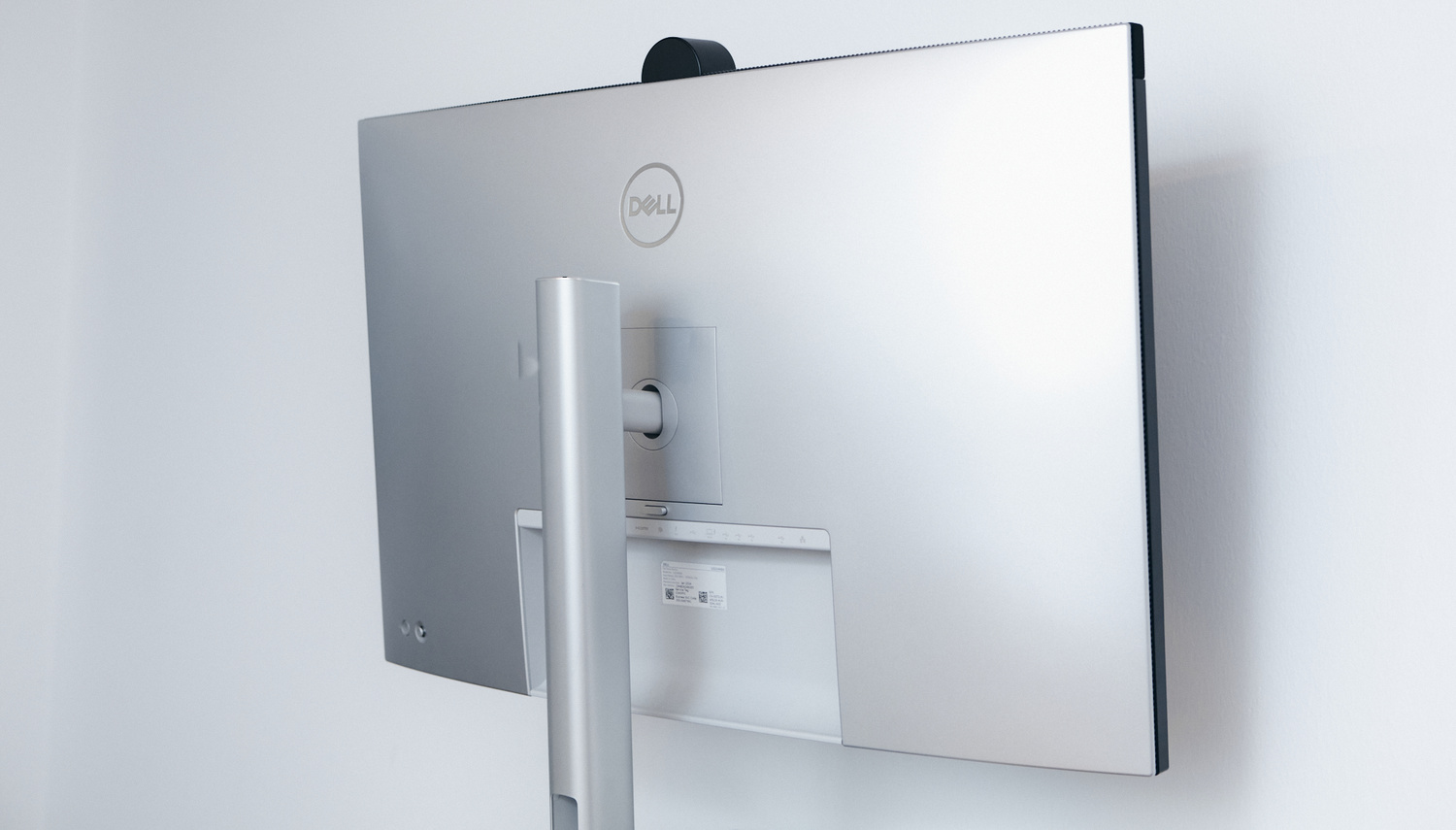
Most photographers and videographers spend as much (if not more) time editing as they do shooting. This is simply how the digital workflow is. It is nearly impossible to work from a laptop, so many of us end up buying monitors. Having a monitor that can do it all is hard to find, but the Dell UltraSharp U3224KB comes close. It’s a jack of all trades, but is it a master of any?
Monitors don’t take too long to introduce themselves into a photographer’s workflow. Editing from a laptop can only be so comfortable, and after a few years, you’ll really wish for a bigger screen. These days, photographers expect much more from a monitor than just good resolution and color accuracy. A monitor is the centerpiece of every desk setup, so it also has to look the part. Additionally, a monitor is supposed to enable you to have a minimalist desk setup. For example, a monitor that only fulfills the basic function of being such is not ideal. If it doesn’t have any USB ports or an SD card reader, it might not be the best option for you. A monitor should have more than enough ports to act as the centerpiece of your desk setup. It is rare to find a photography-dedicated monitor with an Ethernet port or enough USB-C ports to support multiple drives. Monitors are notorious for not having any functionality except for their core purpose: to display an image.
Monitors are notorious for not having any functionality except for their core purpose: to display an image. This is exactly why the Dell UltraSharp U3224KB caught my eye. I was looking for something that could offer more than just basic functionality—a monitor that can be a hub for all the peripherals I use, one that can permanently have an Ethernet cable connected, and one that can free up ports on my MacBook. Surprisingly, there aren’t many monitors that are able to offer that. The jack of all trades ended up being the Dell UltraSharp U3224KB.
First Impressions: Built for productivity
The monitor made an entrance. The shipping company employee who brought it in asked me what games I play and was quite surprised to hear that I rarely game and that it’s not a gaming monitor. At 32 inches, it dominates your desk, and combined with an additional 32-inch display, you are surrounded by screens. The Dell UltraSharp U3224KB is a machine—it’s a centerpiece alright. All this before you even plug in the single Thunderbolt 4 cable that makes it jump to life.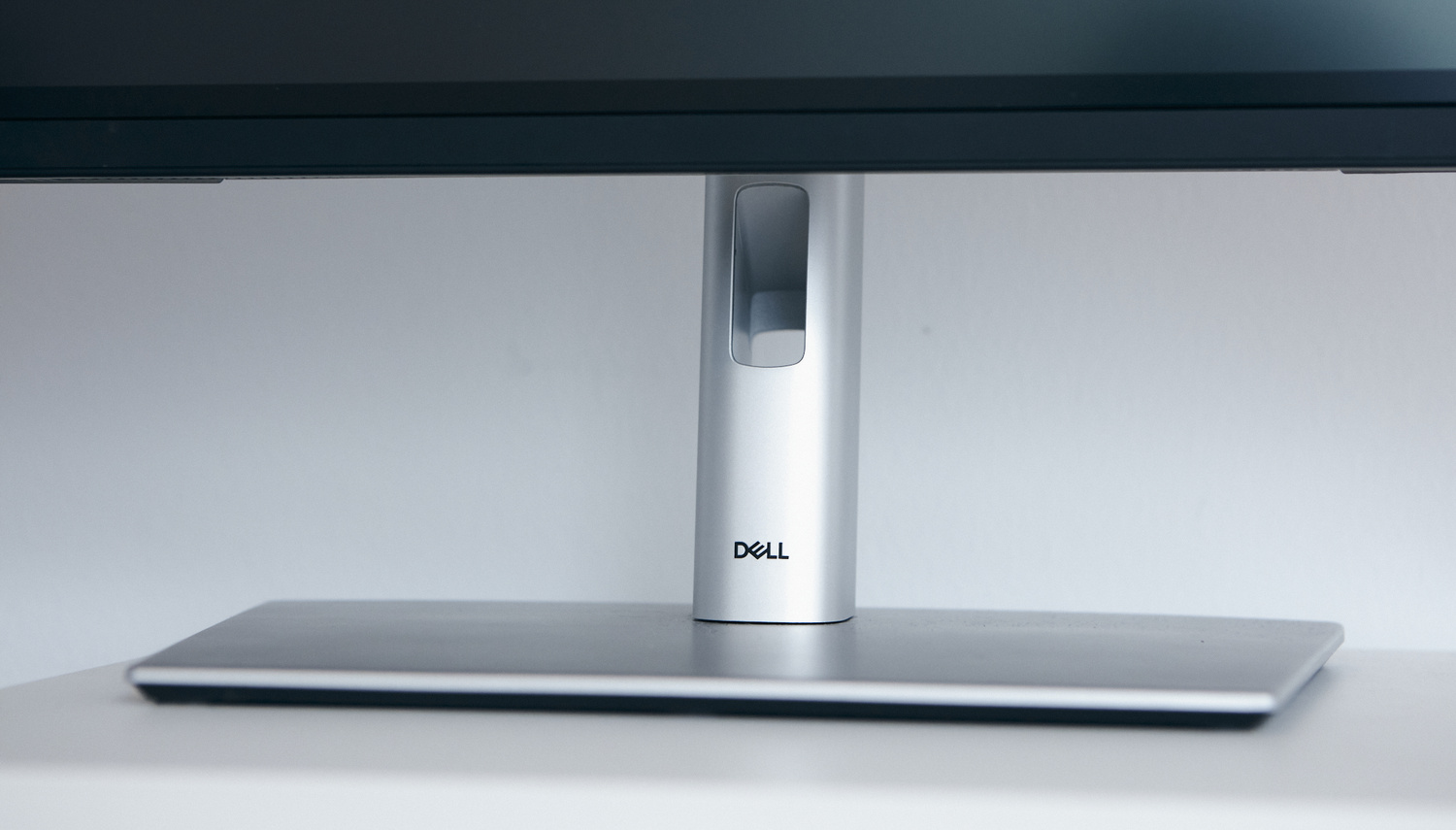
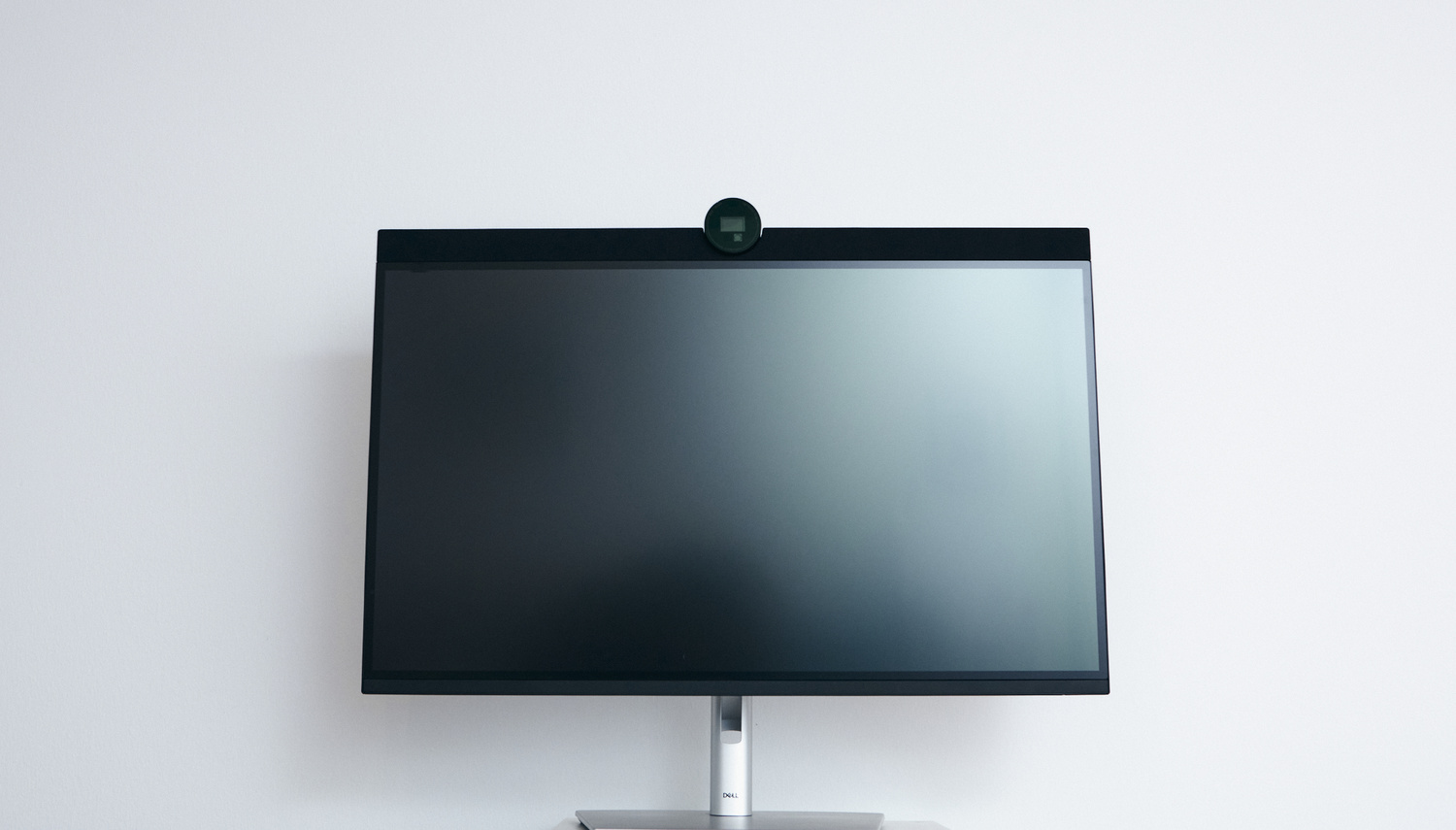
The design is clean and minimal, which is typical of Dell. They don’t overdesign, which is a really nice touch. It’s functional design, much like the aesthetic of Dieter Rams, who was known for his functional yet beautiful design. Of course, you can’t compare the two, but it follows a similar ideology. The stand is big enough and doesn’t overpower the table at all. Moreover, it is quite stable and doesn’t wobble when I’m typing on my keyboard. Having done piano for about a decade, I type quite loudly and with quite a lot of force, unfortunately.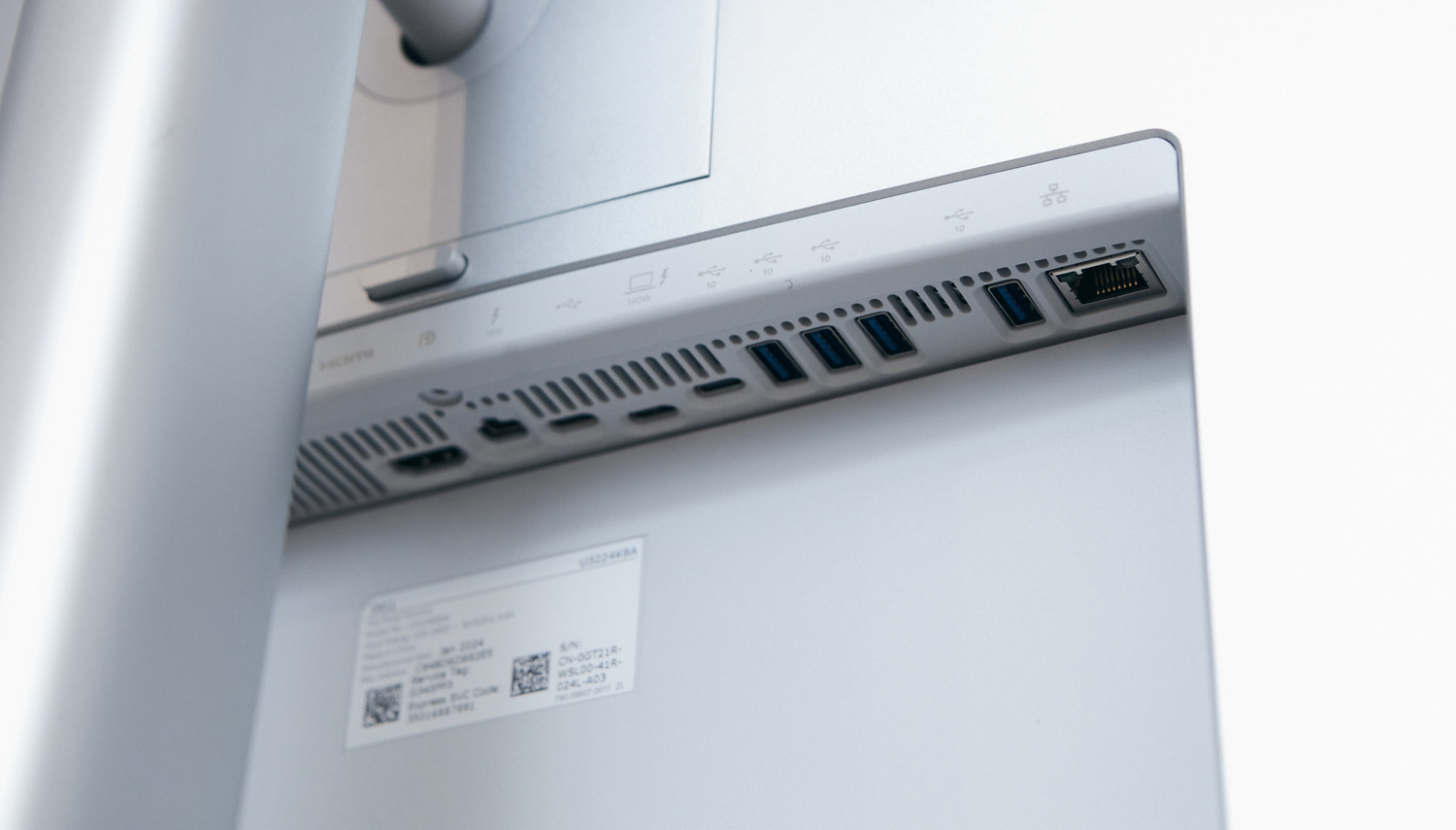
On the back of the monitor is where you find what makes this model stand out for me personally: the ports. Thunderbolt 4 (140 W), USB-C, and a further USB-C with 15 W power delivery on the back make sure that your USB-C devices are running and charged. I used the Thunderbolt 4 port to connect to my Mac, and the 15 W port is connected to the MagSafe charger, as I like to charge my phone and AirPods while I’m working so they’re ready to go when I leave my desk. It doesn’t stop there. The monitor has four USB-A ports. I am using only two of those: one for my Loupedeck+ and the other for my graphics tablet. The best feature, port-wise, is, of course, the 2.5G Ethernet port. I connected an Ethernet cable to the monitor and never had a connection problem again—Ethernet is just better. Lastly, the Dell UltraSharp U3224KB has HDMI 2.1 and Mini DisplayPort 2.1 ports as well.
On the front of the monitor, there are no ports—until you open the neatly hidden port station on the left-hand side. You get an extra two USB-C ports and one USB-A port. This is a great feature that will be useful for many creatives, as connecting additional devices is easier than ever—right in front of you when you need it and hidden away when you don’t.
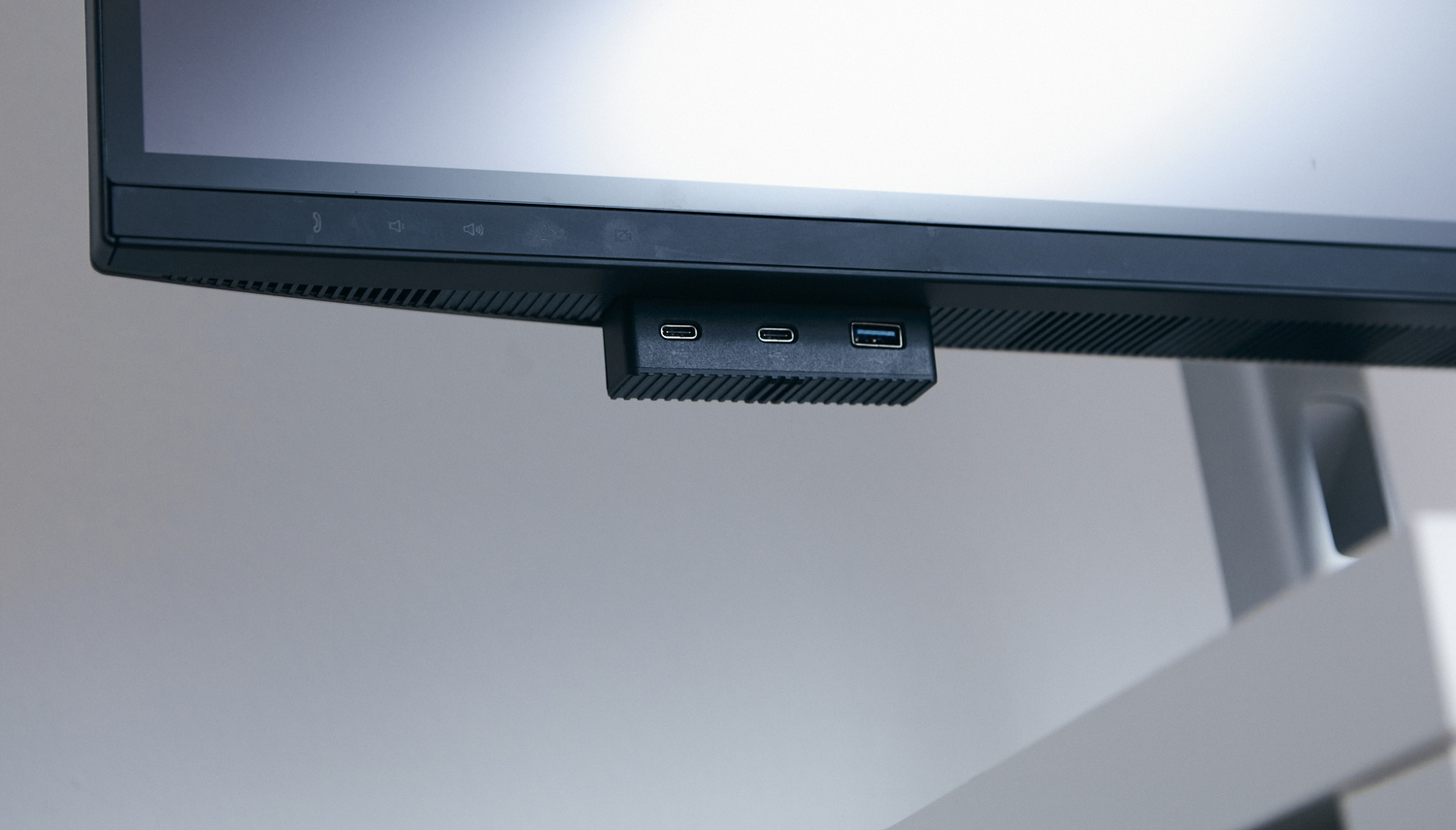
Lastly, for those of us who are on online meetings a lot, there is a built-in 4K UHD webcam with AI autoframing. The webcam is covered by a physical barrier when not in use, which gives peace of mind. Naturally, a microphone is right next to it, which is very convenient. You can control both from the touch buttons below, which light up automatically when your hand is near them. The two 14 W speakers on the top can also be controlled from these touch controls. The speaker quality leaves a lot to be desired, honestly speaking—I don’t enjoy listening to music from them. They’re okay for calls, though. The touch controls are great, though it would be even better if the buttons could be individually programmed, somewhat like the Touch Bar on old MacBooks.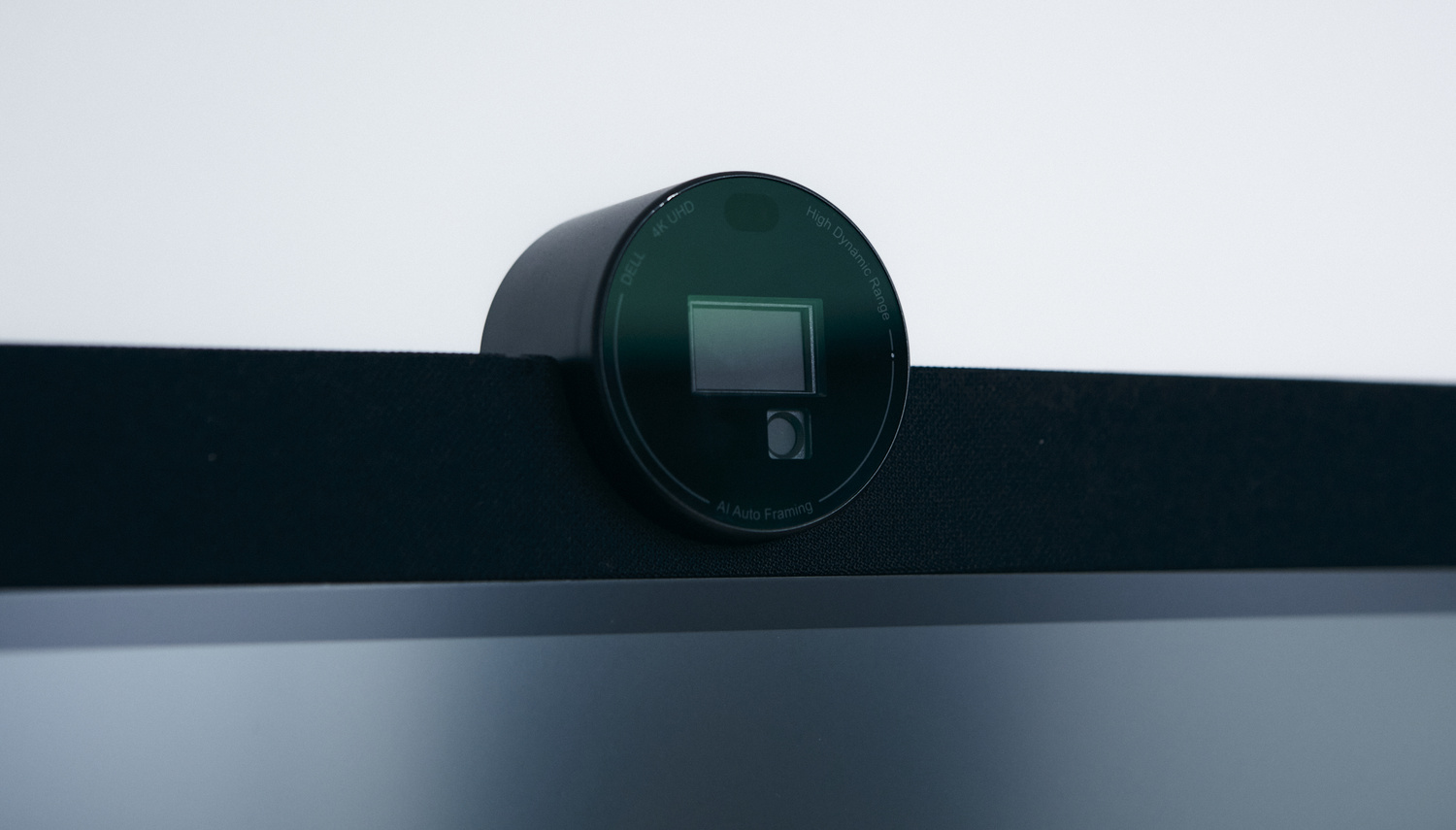
The Big Picture
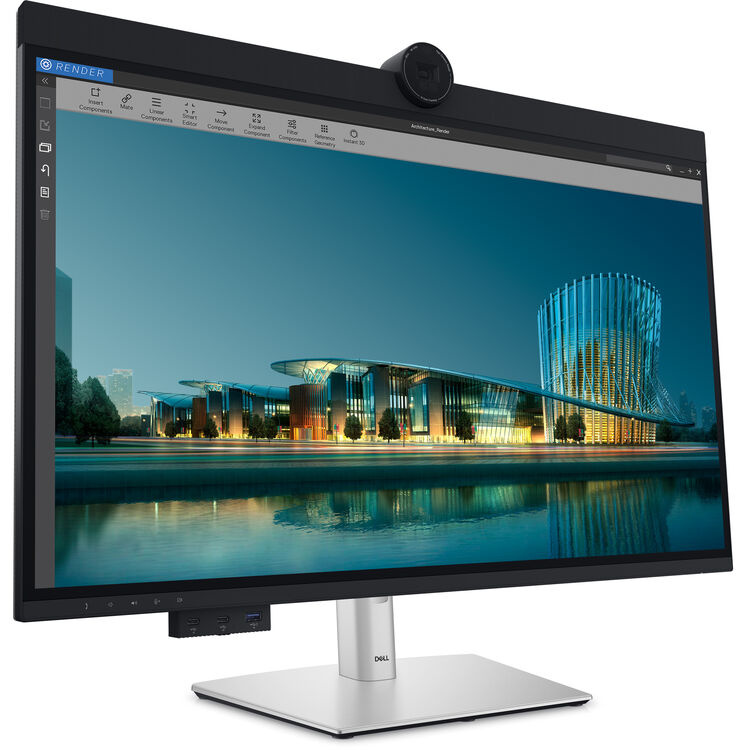
When it comes to the core functionality of the Dell UltraSharp U3224KB, it is almost perfect. With 6K resolution (6,144 x 3,456), you get about 220 pixels per inch. It’s definitely a difference from a 4K monitor of the same size. The picture is clearer and more detailed somehow. The 6K resolution is a great feature, especially at this size. I think monitors this big should definitely have that level of resolution. If you are undecided between a 4K and a 6K monitor, let me put it this way: you will notice the difference, but it won’t be as dramatic as between a 1080p and a 4K monitor. If you can afford 6K, go for it. If you can’t, 4K is more than enough, to be frank.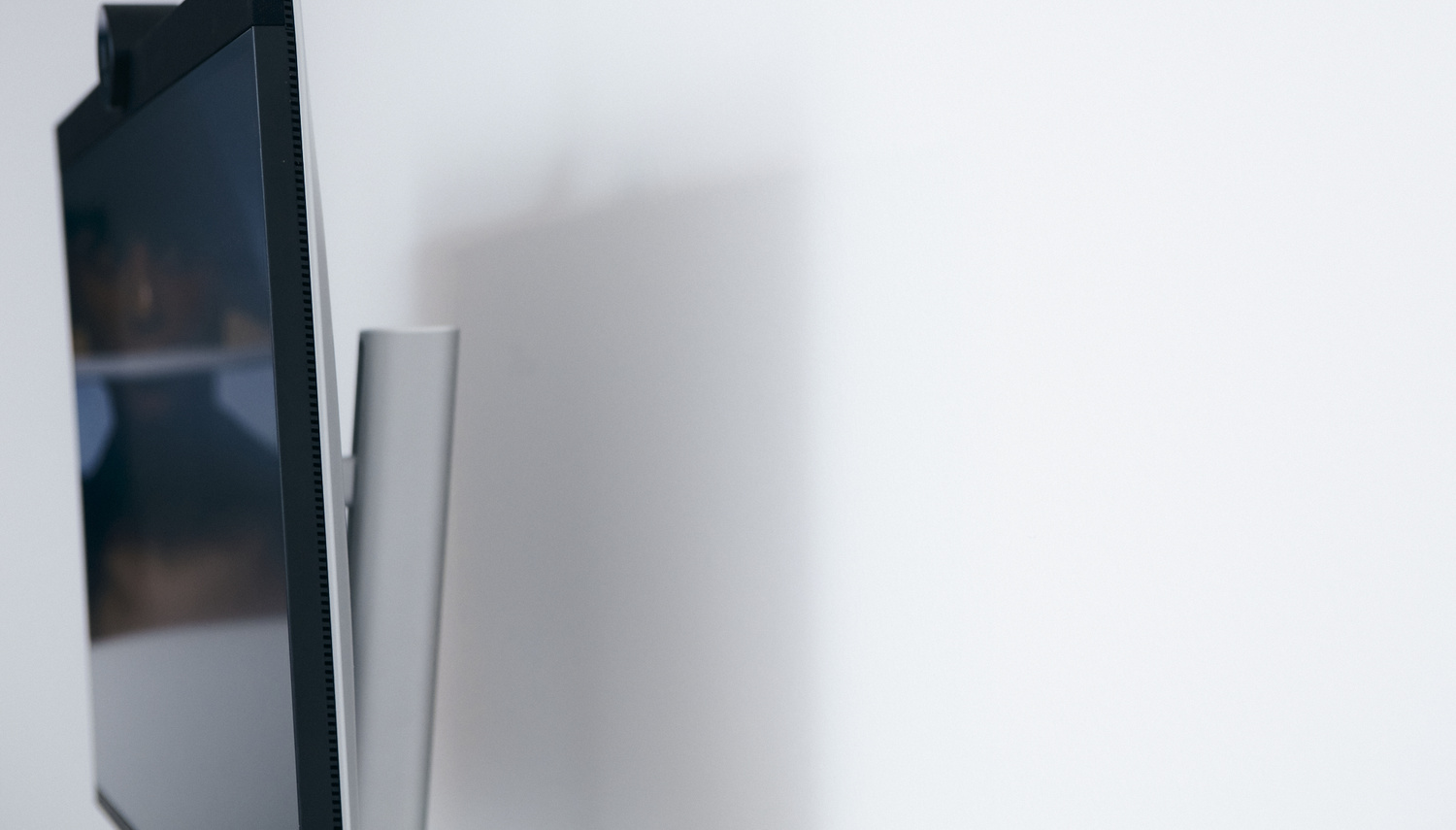
When it comes to color accuracy, the monitor is also quite good. With Dell’s new IPS Black technology, the blacks look deeper, and shadows become more nuanced. The overall contrast is improved over older IPS displays. While it’s not on the level of OLED, the improvement is noticeable and will make your images look richer and more colorful.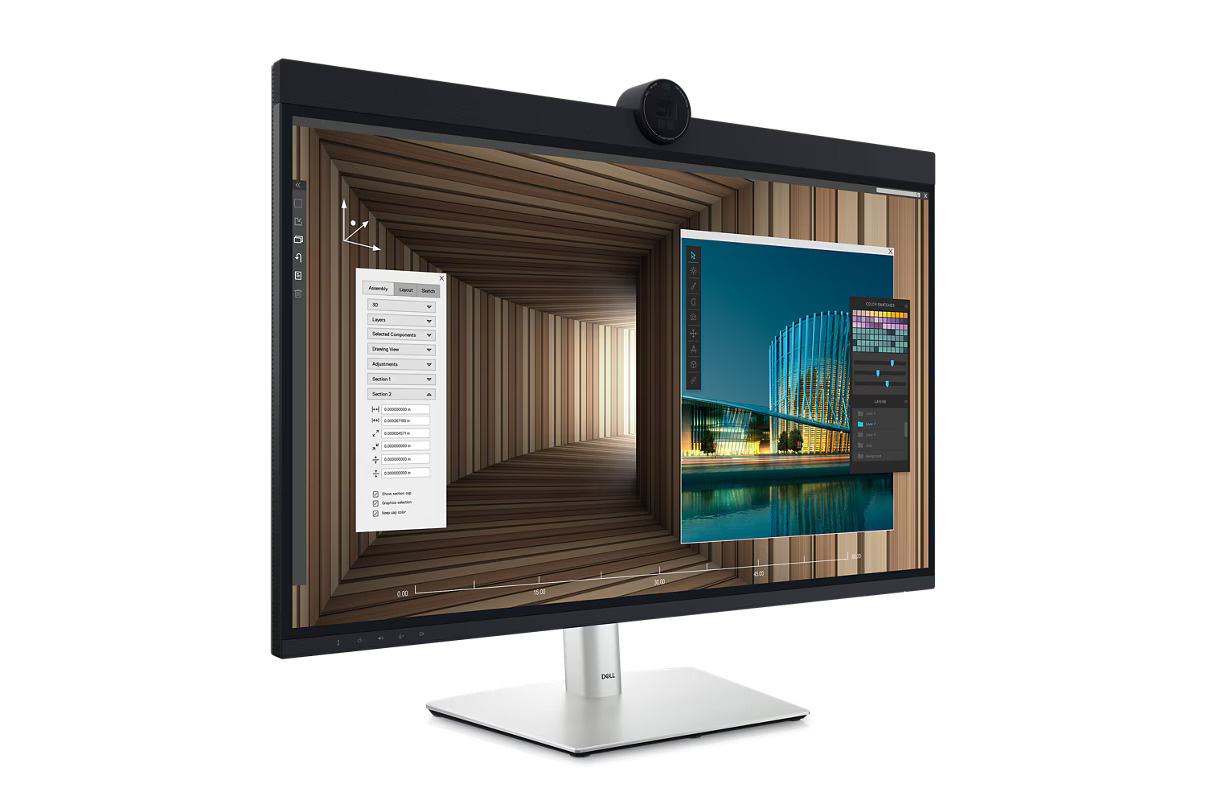
The monitor covers 99% DCI-P3, 100% sRGB, and 100% Rec. 709, making it perfect for photographers and video editors. It comes factory-calibrated with a Delta E < 2, meaning you can trust what you see from day one. Of course, I still use a monitor calibrator, but the default calibration is quite good already.
The screen itself is matte, not glossy, which is essential if you are working in bright rooms with lots of reflections. It’s quite good at handling this. With 400 nit SDR brightness and 600 nit HDR, you really do have a bright display. It is bright enough for most environments, but it will be hard to compare to Apple’s flagship Pro Display XDR, of course. That said, it has the same brightness as the Apple Studio Display. My eyes didn’t feel strained or dry when working on this monitor for 12 (or more) hours—I felt absolutely fine.
 When it comes to refresh rate, it comes with the standard 60 Hz. While this is more than enough for most users, I feel a difference every time I switch from my Mac’s 120 Hz display to a monitor. The 120 Hz refresh rate would be a great feature to add, especially if future-proofing is a concern. That said, it’s not a gaming display, so 120 Hz is not the primary concern—more of a nice-to-have, especially for a display at such a premium price.
Compared to the Competition
When compared to other displays of similar resolution, this one sits somewhere in the middle. The Apple Studio Display is cheaper but doesn’t offer nearly as many features. The Pro Display XDR is far more expensive, making it not a fair competitor. The BenQ SW321C is a go-to for many photographers and is a dedicated photography monitor that I personally also love, yet it feels dated when compared to the Dell UltraSharp U3224KB. Eizo ColorEdge monitors are another standard choice for many professionals and are renowned for their superior accuracy and long-term uniformity. That said, these monitors are far more expensive and, once again, don’t offer as much in terms of ports and connectivity. The Dell UltraSharp U3224KB offers a professional 6K experience without the 6K price tag.
What I Liked
- Resolution
- Connectivity
- Added features (webcam, usable speakers)
- Design
What can be improved
- Refresh rate
- Hood attachment option
- Speakers
- IPS Black – folds when compared to OLED
Closing thoughts
The Dell UltraSharp U3224KB is a monitor that is made for photographers and videographers rather than just being marketed to them. It combines 6K quality with the practicality of Thunderbolt and Ethernet. It’s not cheap, but it’s not overpriced when compared to what it delivers. It’s an all-in-one centerpiece for your desk. With an added 120 Hz option, better speakers, OLED, and a hood, it would make for the perfect monitor.